
Gembet App Malaysia – Mobile Casino & Sports Betting
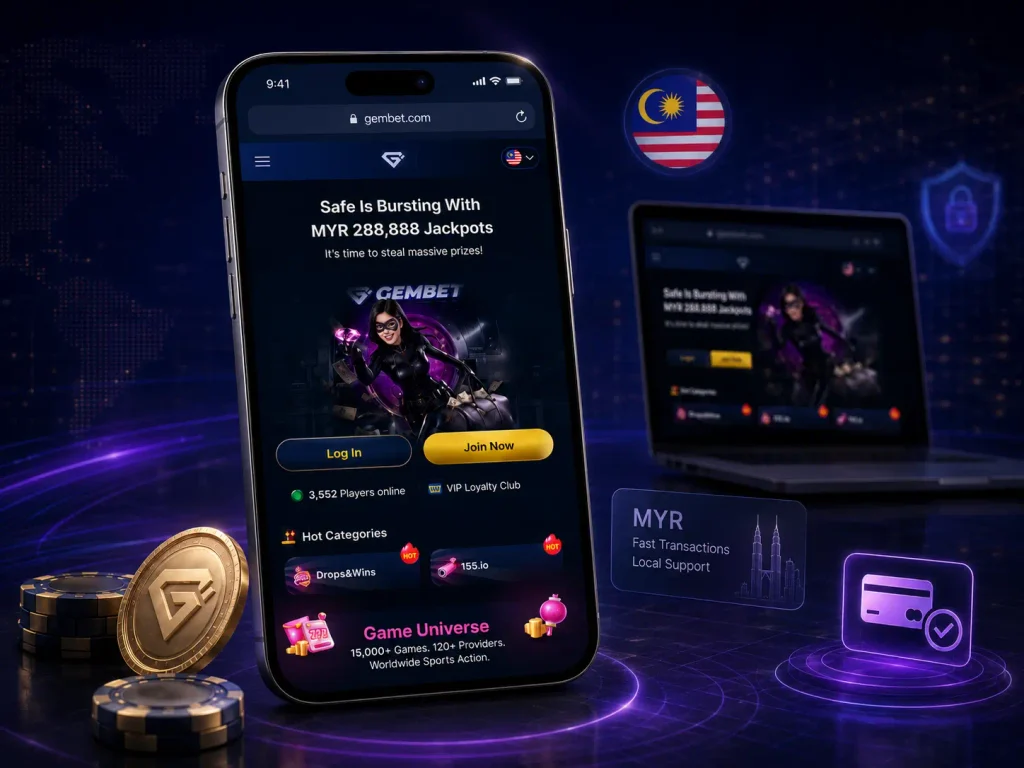
Gembet App Malaysia refers to the mobile version of the platform rather than a separate application download. Malaysian players can open Gembet from a smartphone browser and use the same account for casino games, sports betting, payments, rewards, and account settings. The mobile platform is designed for players who want fast access without switching to a desktop device. This guide explains how Gembet works on Android and iOS, what games and sports markets are available, how mobile payments work, and how users can sign in safely from a phone.

 Get bonus now

Gembet App Overview
Gembet’s mobile experience is built around browser access. Players can open the website from a smartphone or tablet and use the main platform sections without downloading an APK file or installing a separate iOS application. The mobile version keeps the core account tools in one place: casino lobby, sportsbook, cashier, rewards, profile settings, and customer support. This makes it suitable for users who want to check games, odds, balances, and payments from one screen.












Main Features of the Mobile Platform
The Gembet mobile platform gives users access to slots, live casino tables, sports markets, promotions, MYR payments, and account management. The same login works across desktop and mobile, so players do not need to create a second profile for phone access.
The most useful mobile features are quick navigation, simple cashier access, touch-friendly menus, and browser-based login. Performance depends on the device, internet connection, and browser version, so keeping Safari, Chrome, or another mobile browser updated is important.
Casino and Sportsbook Access
Gembet mobile access combines casino and sportsbook sections in one account. Users can switch between different categories, including online slots, live casino games and sports betting markets, without creating separate profiles. For Malaysian players, having casino and betting options available through one mobile interface can make account management easier. Payment methods, balance information and transaction history remain connected to the same account system.
Simple Mobile Navigation
A mobile interface needs to keep important sections easy to find because users usually access platforms through smaller screens. Gembet’s mobile version is designed around browser-based navigation, allowing players to move between games, betting markets and account settings directly from their phone. The main advantage of mobile access is flexibility. Users can check available events, manage payments or open casino games without being tied to a desktop computer.
Gembet Android App
The Android experience is focused on mobile browser access rather than a separate confirmed application download. Users searching for a Gembet Android app should verify available options through official Gembet channels because third-party APK files may not represent the official service.
Android Device Compatibility
Gembet mobile access works through Android smartphones and tablets with a compatible web browser. Modern Android devices generally support the functions required for online casino and sportsbook use, including account management, payments and game access. Performance can depend on the device model, operating system version and internet connection. Keeping the browser updated helps maintain better compatibility when opening mobile gaming platforms.
Gembet APK Download
Malaysian users may find websites advertising a Gembet APK, but the safer approach is to use the mobile website unless Gembet itself clearly provides an official download route. Random APK files can create security risks, including fake login screens, modified payment pages, or unwanted device permissions.
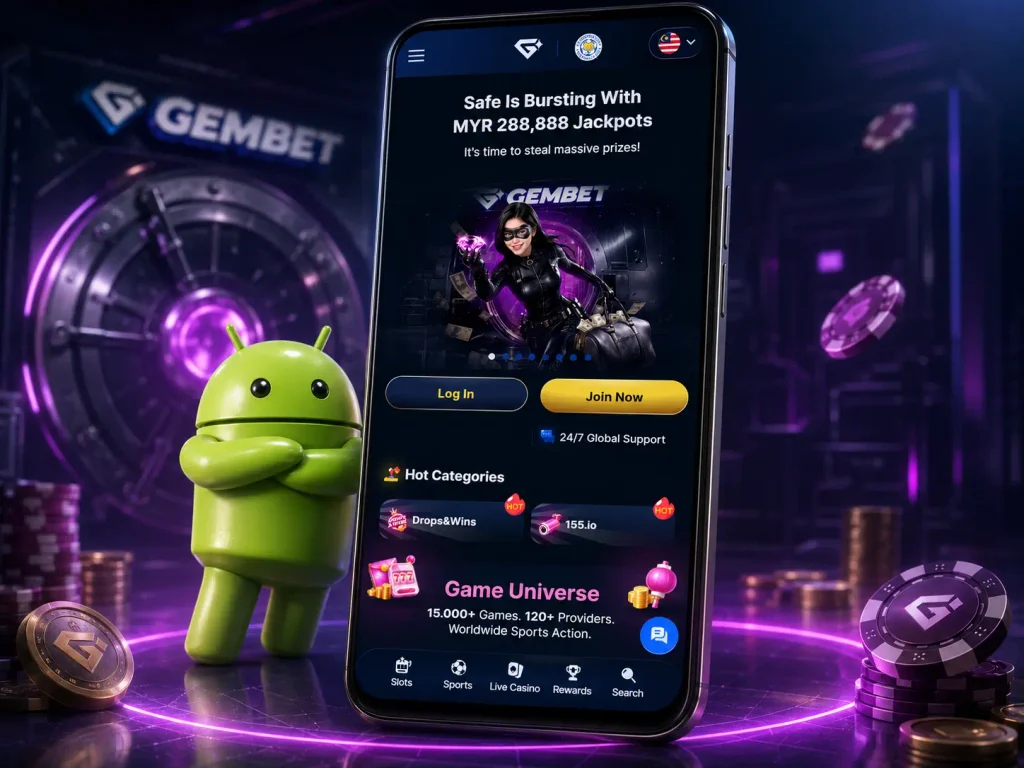
For everyday use, browser access gives players the main Gembet functions without installation. Users can still open slots, live casino games, sports markets, rewards, deposits, and withdrawals from their Android device.
How to Install the APK
Android users can create a browser shortcut instead of installing an APK. The shortcut works like an app icon, but it still opens the official mobile website.
- Open Gembet in Chrome on an Android phone.
- Tap the browser menu in the top corner.
- Choose the home screen shortcut option.
- Confirm the shortcut name.
- Open Gembet later from the new icon on the phone screen.
This method does not install a separate application, change Android security settings, or require a third-party APK file.
Gembet on iOS
Gembet can be accessed from iPhone and iPad devices through a mobile browser. Publicly available information does not confirm a separate official iOS application distributed through the App Store, so users should rely on official website access rather than third-party installation sources. The mobile browser version provides access to account features, casino sections, sports betting markets and payment options. The experience depends on the device model, Safari settings and internet connection quality.
iPhone and iPad Access
iPhone and iPad users can open Gembet through Safari or another supported mobile browser. The browser-based format allows users to sign in, manage their account and access available platform sections without installing additional software. Gembet also supports Google account login, including on Safari devices. According to the Help Center, iPhone users may be redirected to a Google sign-in page and automatically returned to Gembet after authentication.
Gembet Mobile Browser
The mobile browser version works as the main access method for users who prefer not to install applications. It allows players to open casino games, review sports markets and manage account settings from a smartphone. Using a mobile browser also avoids the risks connected with unofficial APK or application files. Users should always check they are accessing the correct website before entering account credentials or payment information.
Add Gembet to Your Home Screen
iPhone and iPad users can add Gembet to the home screen through Safari. This gives faster access while keeping the platform browser-based.
- Open Gembet in Safari.
- Tap the share button.
- Select the home screen shortcut option.
- Confirm the shortcut name.
- Use the new icon to open Gembet from the device menu.
The shortcut does not download an iOS app. It only opens the mobile website in a cleaner, faster way.

Casino Games on Gembet App
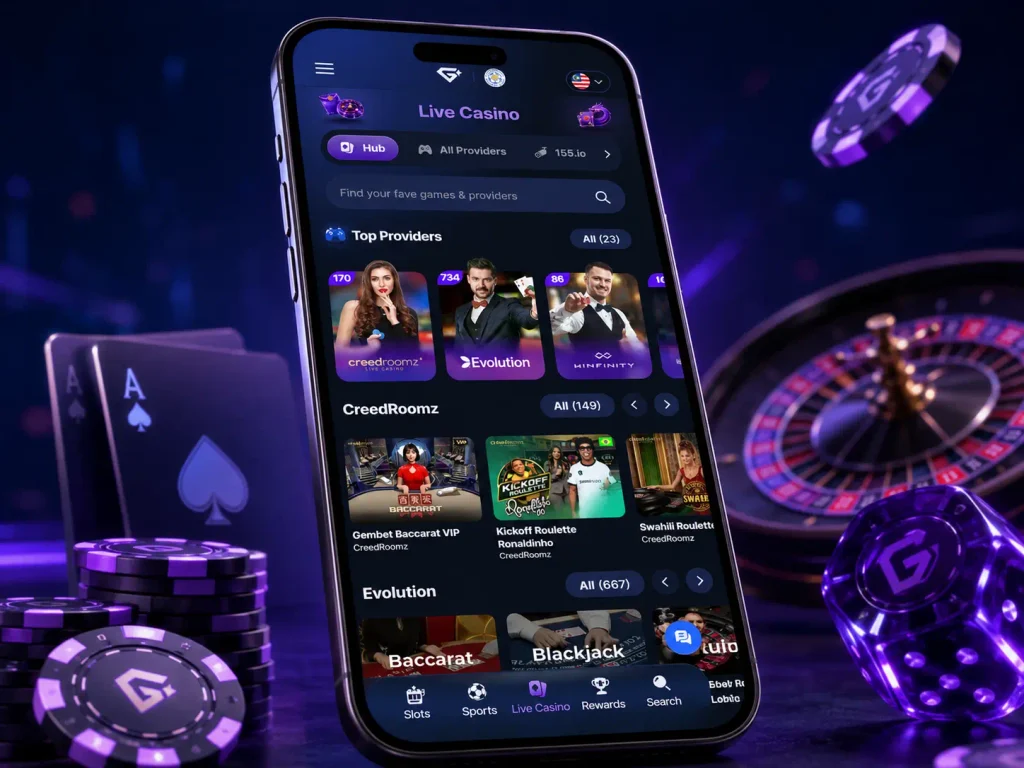
The mobile casino section gives smartphone users access to different gaming categories through a compact interface. Players can switch between slots, live dealer games and table games while managing their account from the same mobile device. The available casino catalogue can change over time depending on game providers and platform updates. Users should check the current lobby to see which titles are available for their account.
Mobile Slots
Mobile slots are designed for quick sessions and simple touch controls. Gembet users can access slot games through mobile browsers, with gameplay adapted for smaller screens. The slot selection may include different formats, such as classic reels, video slots and games with additional features like free spins or bonus rounds. Players should review the rules and paytable of each title before starting a session.
Live Dealer Games
Live dealer games bring real-time casino interaction to mobile devices. Instead of standard automated gameplay, these games use live video streaming with dealers managing the table. Popular formats usually include blackjack, roulette and baccarat. Mobile users should consider their internet connection because live streaming requires more stable performance than standard casino games.
Table Games
Table games on mobile provide access to traditional casino formats where users follow established rules and betting structures. These games are different from slots because players need to understand the mechanics before making decisions. Gembet’s casino categories include classic table formats such as blackjack and baccarat, along with other available games depending on the current catalogue.
Sports Betting on Mobile
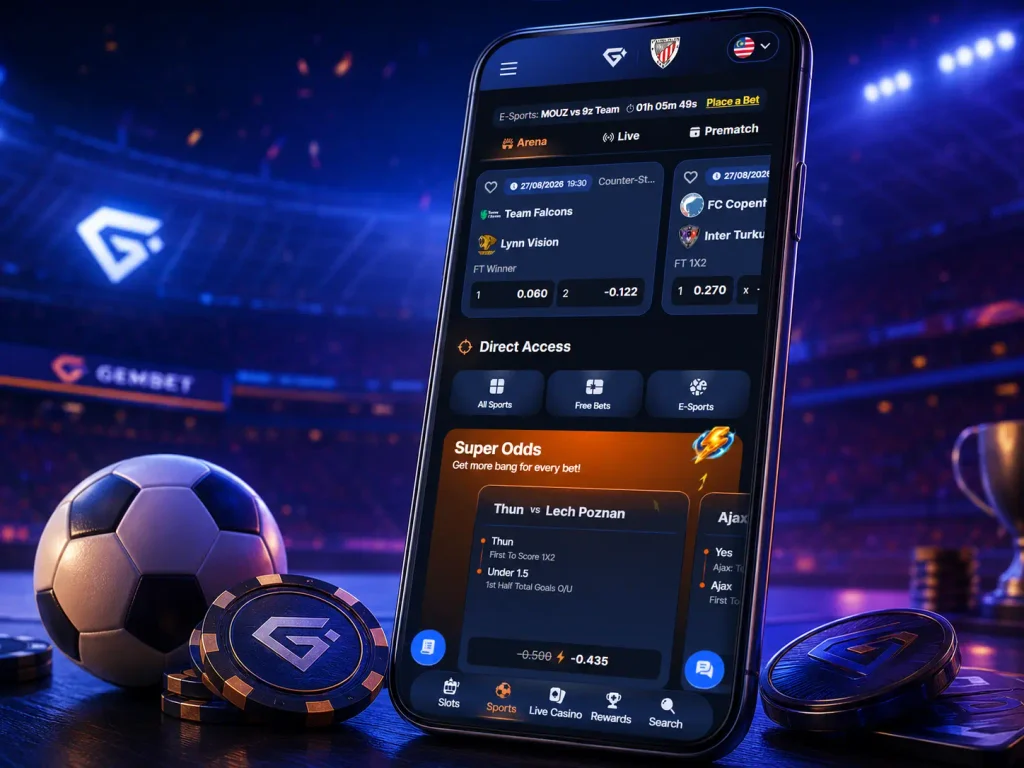
Mobile sports betting allows users to follow events and manage bets directly from a smartphone. The mobile format is useful for players who want to check odds, review markets or follow live events without using a desktop computer. Gembet’s sportsbook covers different sports categories, including football and other international events. Available markets depend on the current sports schedule and platform updates.
Mobile Sports Markets
The mobile sportsbook provides access to different betting categories through a smaller-screen interface. Users can review available competitions, select markets and manage their betting selections from a phone.
Football usually receives significant attention because it offers many betting options, including match results, goals, handicaps and other markets. Other sports availability depends on current events listed in the sportsbook.
Live Betting
Live betting allows users to place selections while a match is already happening. Odds can change during the event based on goals, points, player performance and other important moments.
This format requires users to follow the match situation carefully because available markets and prices can change quickly. Checking current statistics before confirming a selection helps avoid decisions based only on the original pre-match prediction.
Checking Odds on Your Phone
Mobile access makes it easier to review odds whenever a user wants to follow a sporting event. The sportsbook interface displays available markets, allowing players to compare options before making a selection.
A stable connection is important because odds updates depend on real-time information. Users should also check the selected market details before confirming a bet, especially when using live betting options.
Gembet Mobile Payments
Mobile payments are an important part of using Gembet from a smartphone because users need a simple way to manage deposits and withdrawals without switching to a computer. The platform provides MYR payment methods designed for Malaysian users, including Touch ’n Go, DuitNow, TruePay, SurePay and other available options. Payment availability depends on the account and current cashier options. Users should always check the payment section after login to see the methods available for their profile.
Mobile Deposits
Gembet supports several MYR deposit routes that work well on mobile. Touch ’n Go and DuitNow use QR-based flows, while Surepay, TruePay, EeziePay, and DGPay connect users with bank transfer, iBanking, FPX, DuitNow QR, or selected e-wallet channels.
| Payment method | Main details |
|---|---|
| Touch ’n Go | QR-based MYR deposit, minimum MYR 30 |
| DuitNow | QR-based MYR deposit, minimum MYR 30 |
| Surepay | MYR bank payment, minimum MYR 30 |
| TruePay | iBanking deposit, minimum MYR 100 |
| EeziePay | Bank transfer, FPX, DuitNow QR, e-wallet; minimum MYR 100 |
| DGPay | Bank transfer, DuitNow QR, Touch ’n Go QR; minimum MYR 30 |
Withdrawal Requests
Gembet MYR withdrawals are available through bank withdrawal, voucher withdrawal, and crypto withdrawal. Bank withdrawals require a verified bank account before funds can be sent out. Most MYR withdrawal requests are processed within 30 minutes, though account checks, bank traffic, and method limits can affect the final time. Gembet applies a 1% MYR withdrawal fee, but it is returned through Daily Rebates at 5 PM MYT.
Transaction Processing
Mobile transaction speed depends on the selected payment method and external provider conditions. Touch ’n Go, DuitNow, Surepay, TruePay, DGPay, and EeziePay can process quickly when the bank or wallet confirmation is completed correctly. If a deposit does not appear after several minutes, users should save a screenshot of the transfer, sender name, amount, and payment history before contacting support. This helps the support team check the transaction faster.
Gembet App Login
The Gembet mobile login process gives users access to casino games, sports markets, payments, bonuses, and account settings from a phone. The same account works on desktop and mobile.
How to Sign In
Users can sign in through the Gembet mobile website with their account email or username and password. Google sign-in is also available for accounts connected to Google authentication.
- Open Gembet in a mobile browser.
- Tap the login button.
- Enter the email or username linked to the account.
- Type the account password.
- Use Google sign-in only if the account was connected to Google.
- Check the account balance, rewards, cashier, casino lobby, or sportsbook after login.
Before entering login details, users should check that the website address is correct. Passwords, OTP codes, and payment security details should never be shared with third parties.
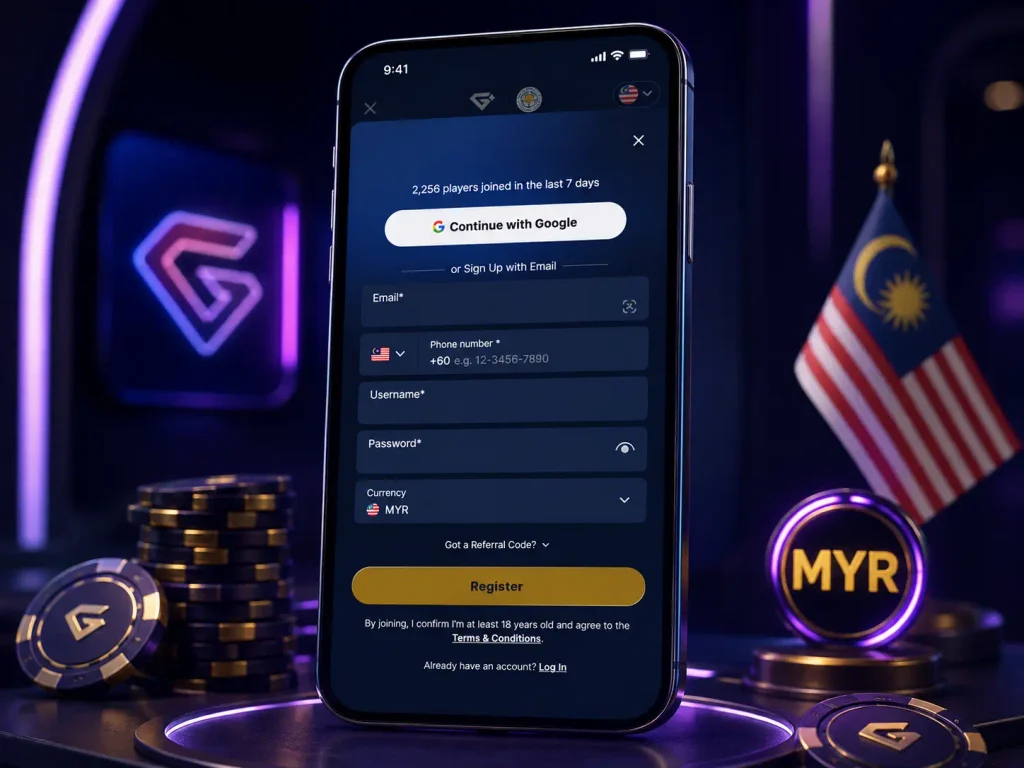
Mobile Registration
New users can create a Gembet account from a mobile browser. The registration form may ask for email, phone number, username, password, country details, and preferred currency.
- Open the registration form from the mobile website.
- Enter an active email address.
- Add the phone number used for account access or recovery.
- Create a username and password.
- Select Malaysia and MYR where the form requires country and currency details.
- Review the details before submitting the form.
- Sign in and check the cashier, rewards, casino, and sportsbook sections.
Malaysian players should select MYR during registration if they want their balance, deposits, withdrawals, and bonuses to work in Malaysian Ringgit. Contact details should be accurate because they may be used later for account recovery or verification.
Recovering Account Details
If a player forgets login details, the recovery option should be used instead of creating a second account. Multiple accounts can create verification and withdrawal issues. For account access problems, users should contact support and provide the relevant account details. Passwords and security codes should not be sent in chat messages.
Gembet App Frequently Asked Questions
Gembet mobile access works through a smartphone browser. Users do not need to install a separate Android APK to use the main casino, sports betting, cashier, and account features.
Yes. Gembet can be opened on iPhone and iPad through Safari or another compatible browser. Users can sign in, open games, manage payments, and access sports betting without a separate App Store application.
Mobile access through a browser does not require a paid application download. Users only need a compatible device, internet connection, and Gembet account.
Yes. Gembet sports betting markets can be accessed from a smartphone browser. Users can review events, check odds, add selections to the bet slip, and confirm bets from mobile.
Yes. The mobile cashier supports MYR deposits and withdrawals. Available methods can include Touch ’n Go, DuitNow, Surepay, TruePay, EeziePay, DGPay, bank withdrawal, vouchers, and crypto withdrawals depending on the cashier menu and account status.